

Verifying your OnlyFans account can feel like a bureaucratic hurdle, but for European creators it’s usually a straightforward process once you know what to prepare.
This guide walks through the essentials, from acceptable ID documents and selfie tips to dealing with rejections, taxes, and privacy protections under European rules.
Why verification matters and what to expect
Verification proves you are who you say you are and that you meet OnlyFans’ age and identity requirements. Platforms like OnlyFans ask for this to comply with legal obligations, reduce fraud, and enable payouts.
For creators in Europe, verification also ties into local regulations around anti-money laundering and taxation; passing it means you can monetize content, set up bank transfers, and access creator features without delay.
Overview of accepted documents and basic eligibility
OnlyFans typically accepts government-issued photo IDs such as passports, national ID cards, and driver’s licenses. These documents must be valid, not expired, and show your likeness clearly.
Some European countries issue national ID cards that are perfectly acceptable and often the fastest option. Keep in mind that the name and date of birth on your OnlyFans profile must match your ID exactly to avoid mismatches during verification.
Commonly accepted ID types by category
Below is a concise overview of document types that work in most cases. If you are unsure whether a particular document qualifies, prepare a primary (passport) and a secondary (driver’s license or national ID) to avoid delays.
| Document type | Typical acceptability | Notes |
|---|---|---|
| Passport | High | Accepted across all countries; best option if available |
| National ID card | High (EU members) | Common in EU; front and back photos may be required |
| Driver’s license | Medium | Often accepted, but may be country-dependent |
| Residence permit | Varies | May require additional ID; check platform prompts |
Before you start: what to prepare
Gather your ID, a recent selfie, a stable internet connection, and the payment information you’ll use to receive payouts. Having everything on hand shortens the verification time dramatically.
Make sure your OnlyFans profile name matches the legal name on your ID. If you use a stage name publicly, the platform still requires legal details behind the scenes to verify your identity and handle compliance.
Technical checklist
Use a modern smartphone or a high-resolution camera and ensure your images are clear, with readable text and no glare. Uploads that are blurry or cropped are one of the most common reasons for rejection.
Check file formats and size limits before uploading; OnlyFans will usually accept JPEG or PNG images. If you get an error, try a different browser or clear your cache and reattempt the upload.
Step-by-step verification process
Follow these ordered steps to get verified efficiently. This is a practical sequence that mirrors the platform’s typical flow and minimizes back-and-forth.
- Log in and navigate to the verification or creator setup section.
- Confirm basic account info: full legal name and date of birth.
- Upload a clear photo of your primary ID (passport or national ID recommended).
- Take and submit a selfie or live photo if prompted, matching the platform’s instructions.
- Provide payout details and any requested tax information.
- Wait for confirmation—usually within 24–72 hours—and follow up if rejected.
Completing these steps in order reduces the chance of your request being flagged for additional review. Keep copies of what you submit in case you need to resubmit or escalate.
Remember that processing times vary. If you are setting up payouts, allow extra time for banking and tax verification to clear before planning your first paid post.
How OnlyFans typically verifies a selfie
Platforms often require a selfie taken in real time or a selfie holding your ID to ensure the person in the ID matches the applicant. Follow the platform’s exact prompt to avoid rejections for mismatched formats.
When asked for a selfie with an ID, frame both your face and the ID clearly. Avoid filters, heavy makeup that obscures features, or any object that hides parts of the ID or your face.
Quality tips for ID photos and selfies
A crisp, well-lit image makes a huge difference. Take photos in natural or diffused light to minimize shadows and reflections on the ID surface.
Lay the ID flat on a neutral background for document photos and hold the camera parallel to the card—tilted images often get rejected. For selfies, keep your head straight and look at the camera as requested.
Common photo mistakes to avoid
Do not crop out edges of the ID or use screenshots of scanned documents. Blurred text, glare, fingerprints, and heavy compression are common causes of failure during verification.
Also avoid adding stickers, obstructions, or text overlays to the images—even if they’re meant to protect privacy—because verification tools need unmodified views to check holograms and security features.
When verification gets rejected: troubleshooting
A rejection can feel discouraging, but it’s often fixable. The platform should provide a reason; use that feedback to correct the specific issue instead of resubmitting the same materials.
Common reasons include expired documents, mismatched names or dates, poor image quality, or uploading the wrong document type. Fix the exact problem cited and reapply promptly.
What to include in an appeal
If you believe your submission was wrongly rejected, submit an appeal with clear, higher-quality photos and a short explanation of what changed. Attach supporting documents if you have them.
Keep your correspondence professional and concise. Adding extra, unrelated materials can complicate the reviewer’s job and slow resolution time.
Country-specific notes for European creators
European creators should be aware that national ID formats vary and that only certain document types are accepted in some jurisdictions. When in doubt, a passport is the universal option.
In many EU countries, the national ID card is the fastest and easiest document to use because it already contains the elements verification teams need: photo, name, and date of birth.
Examples from a few European countries
In Germany, the Personalausweis is commonly accepted and usually requires photos of both sides. French creators can use the carte d’identité or passport for rapid processing.
Creators in Spain and Italy often rely on passports if their driver’s license lacks a clear photo or full name. When using a driver’s license, ensure it includes a recognizable facial photo and correct legal details.
Fees, payout setup, and payment verification
OnlyFans does not charge creators to submit verification, but payout services may have fees. Set up your payout method early and ensure the bank or payment account matches your legal name to avoid additional checks.
Some payout providers require micro-deposits or bank verification steps. Complete those steps promptly so payments will flow once the account is verified.
Banking tips and common pitfalls
Use an account in your name rather than a third-party or joint account. Mismatched account ownership is a frequent reason platforms delay payments or request further documentation.
If you plan to use e-wallets or international payment systems, verify their compatibility with OnlyFans for your country to avoid surprises during payout setup.
Tax and legal considerations for European creators
Verification often triggers tax-related steps: platforms may request tax-identification numbers or residency information to comply with law. Treat this as a prompt to organize your paperwork.
How you report income varies by country—some creators operate as freelancers, others as small businesses. Consulting a local accountant familiar with digital income and platform payouts is a smart move early in your creator journey.
Record-keeping and invoices
Keep screenshots of verification confirmations, payout statements, and invoices. Good records simplify tax filings and help if you ever need to prove residency or income for legal reasons.
If you sell digital subscriptions across EU borders, you may need to consider VAT rules for digital services. An accountant can clarify whether VAT registration applies to your situation.
Privacy, data protection, and GDPR
European creators benefit from strong privacy protections under GDPR. Platforms operating in or serving the EU must explain how they store and process your personal data.
Review the privacy policy and data retention terms before submitting sensitive documents. You have the right to request information on what’s held, how long it’s retained, and how to request deletion where applicable.
Practical privacy steps
Keep your own encrypted copies of IDs and submitted documents. If you’re concerned about long-term storage on a platform, ask support about options for limiting retention once identity has been established.
Use secure internet connections and avoid public Wi-Fi when uploading personal documents. A good password manager and two-factor authentication will reduce the risk of account compromise.
Handling name differences and stage names
Many creators work under a stage name for branding. Platforms will still require your legal name for verification and payouts; maintaining both is normal and accepted practice.
If the name displayed publicly differs from your legal name, make sure you have supporting documents that tie your real identity to your public profile if asked—this could be invoices, bank statements, or business registration details.
Updating your profile after verification
Once verified, you can usually set a display name or public username independent from the legal name stored in your account. Check the platform’s profile settings to confirm how to present your brand professionally.
Keep records showing the correlation between your legal name and your brand—this simplifies any future account audits or payment verifications.
Real-life example from a European creator
When I helped a friend set up her creator account, we sorted her verification in two hours by using her passport and following the photo tips above. The first attempt failed because the ID photo had a glare; a quick reshoot fixed it.
She then linked a bank account in her name and uploaded receipts for the first month’s income—this made tax time less stressful. Small attention to detail up front saved both time and uncertainty later.
Advanced tips and best practices
Use a neutral background, remove glasses if they cause glare, and avoid heavy makeup that alters facial features in verification selfies. These small adjustments reduce the likelihood of a manual review.
If you have a hyphenated or accented name, enter it exactly as it appears on your official ID. Some systems struggle with special characters, so match the platform’s entry fields carefully.
When to contact support directly
Contact support if your verification is pending for longer than the time frame indicated, or if automated responses don’t address specific document issues. Clear, polite communication speeds resolution.
When you do contact support, include ticket numbers and dates of submission. Attach high-quality images that directly address the reason for the original rejection for faster handling.
Checklist to print or save
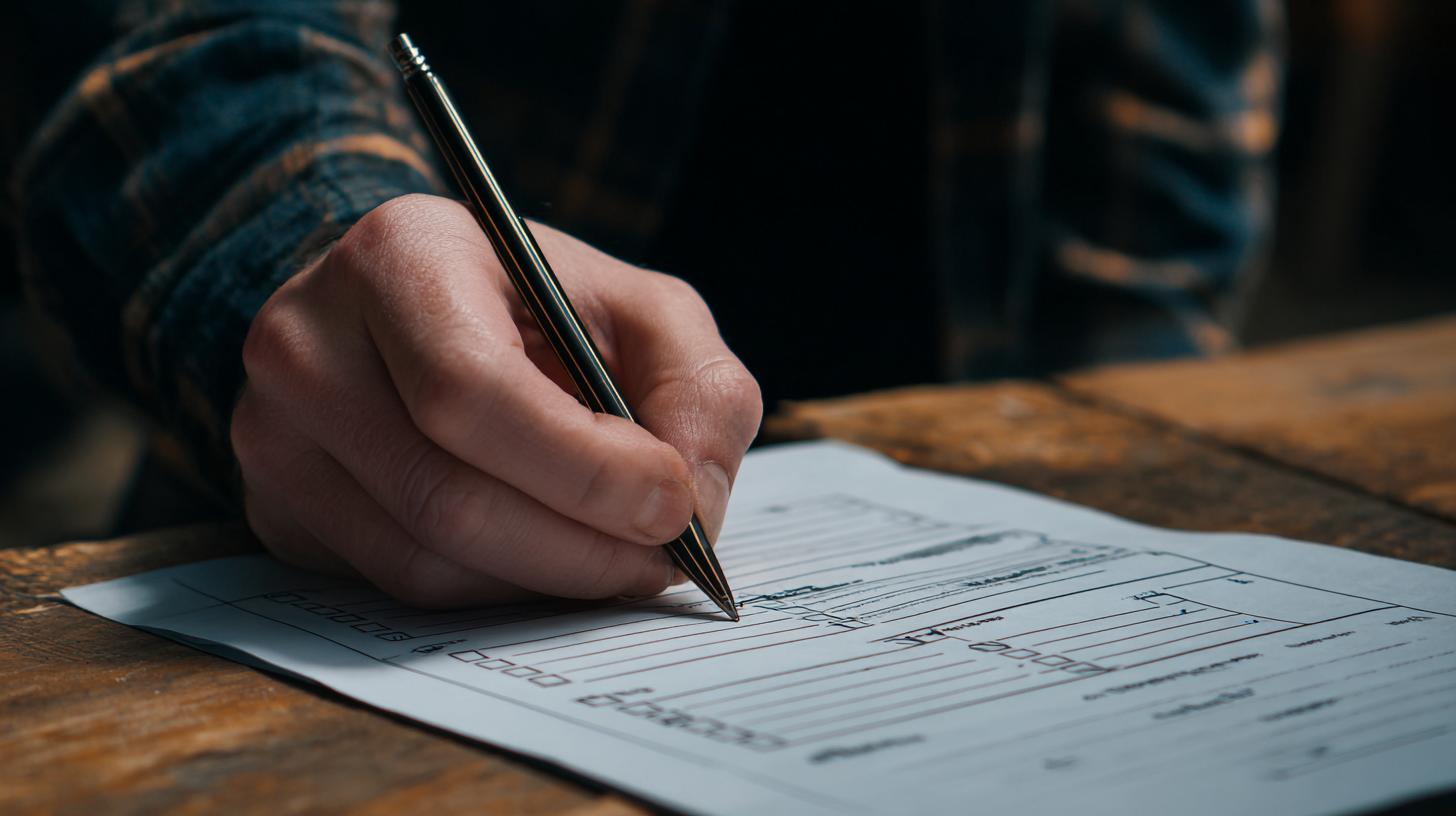
Before starting your application, use this short checklist to avoid avoidable mistakes. Completing it can reduce rejections and speed up the verification window.
- Primary ID ready (passport preferred)
- Clear selfie or live photo taken
- OnlyFans profile legal name matches ID
- Bank or payout details in your name
- Secure internet connection and device with camera
- Copies of submitted files stored securely
What to expect after verification
Once verified, your account status should update and payout options become available. Expect occasional re-verification requests if you change banking details or if the platform sees unusual activity.
Verification also tends to enable more trust from subscribers and can improve onboarding speed when collaborating with other creators or networks.
Security and ongoing account hygiene
Enable two-factor authentication and use unique passwords for your creator accounts. Regularly review connected apps and payment methods to maintain control over your payout pipeline.
Set up recovery options and keep emergency contact information current. If your account is compromised, quick action reduces potential financial and reputational damage.
Where to get help and further resources
If you need more detailed answers about tax or legal obligations, seek a local accountant or legal adviser who understands digital content income. Platform support can help with procedural problems, not tax advice.
Many creator communities and forums share screenshots and step-by-step experiences for specific countries—these real-world examples can be a helpful complement to the official guidance.
Final practical notes and reassurance

Verification is essentially a one-time hurdle that protects both you and the platform. With clear documents and good photos, most European creators complete the process in a day or two.
Take it systematically: prepare, follow prompts exactly, and keep calm if an initial submission fails. The majority of problems are fixable with a better photo or corrected name entry.
How often verification is revisited
OnlyFans and similar platforms may periodically request fresh verification—especially when payment details or account ownership changes. Treat those prompts seriously to avoid payout interruptions.
Keeping everything current is part of professional content creation. A few minutes to update details now prevents longer delays later.
Frequently asked questions
Q1: What documents should I use if I’m from the EU?
Use a valid passport or national ID card where possible. If those aren’t available, a driver’s license may work, but a passport is the most universally accepted option.
Q2: How long does onlyfans verification europe typically take?
Processing usually takes from 24 to 72 hours, though times vary. Complex cases or requests that require manual review can take longer—contact support if you see a lengthy delay.
Q3: What if my verification keeps getting rejected?
Check the rejection reason carefully. Common issues are poor image quality, mismatched names, or expired IDs. Resubmit clearer photos and confirm that all entered details match your legal documents exactly.
Q4: Will OnlyFans store my ID forever?
Platforms retain documents for compliance, but European creators have rights under GDPR to request details about retention and processing. Review the privacy policy and contact support for specific retention timelines.
Q5: Do I need to register as self-employed to be verified?
Verification itself doesn’t require a business registration, but you must declare income according to your country’s tax laws. Consult a local accountant to understand your obligations and whether registration is needed.
For more guides, tips, and country-specific advice—visit https://onlyfanstar.com/ and explore the other materials available on our website. They’re written for creators like you who want straightforward, reliable guidance on onlyfans verification europe and more.